# Java - HTML to Image Example
Generate PNG, JPG, WebP, and PDF output with Java, using HTML/CSS or reusable templates rendered in Google Chrome.
## Generating images with Java
1. Send your HTML/CSS to the API.
2. The API renders it in Google Chrome.
3. Read the generated image URL from the JSON response.
See [Creating an image](/getting-started/using-the-api/#creating-an-image) for request parameters. A response includes the image's `url` and `id`.
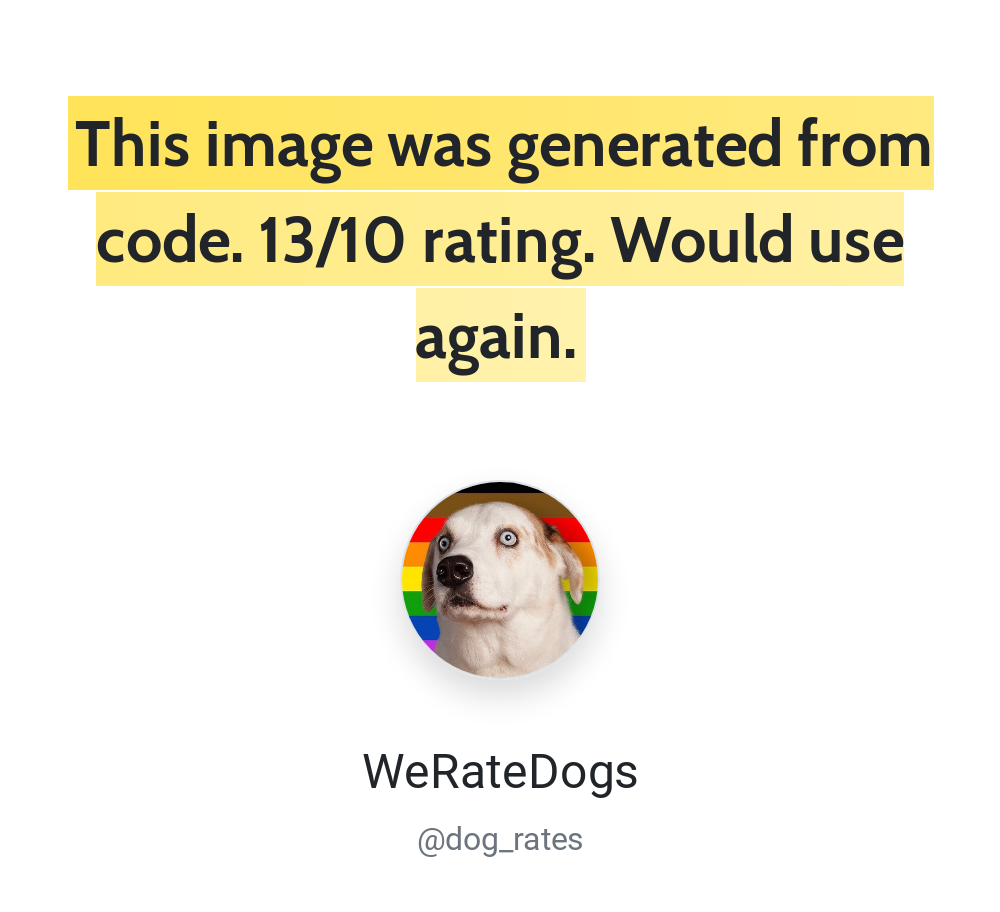
## Authentication with Java
Use HTTP Basic authentication with your API ID as the username and API key as the password. Find both in the [dashboard](https://htmlcsstoimage.com/dashboard). Keep credentials in server-side configuration or environment variables.
## Java example code
The example sends a POST request to `https://hcti.io/v1/image`. Image creation requires `images:create`. See [authentication and API keys](/getting-started/using-the-api/api-keys/) for scoped credentials and access errors.
Java includes an HTTP client in the standard library, but not a JSON encoder. This example uses the built-in Java 11+ `HttpClient` with [`Jackson`](https://github.com/FasterXML/jackson) to encode the JSON request body.
Add Jackson to your project:
```xml
com.fasterxml.jackson.core
jackson-databind
2.17.2
```
```java
import com.fasterxml.jackson.databind.ObjectMapper;
import java.io.IOException;
import java.net.URI;
import java.net.http.HttpClient;
import java.net.http.HttpRequest;
import java.net.http.HttpResponse;
import java.nio.charset.StandardCharsets;
import java.util.Base64;
import java.util.Map;
public class HctiExample {
private static final String USER_ID = "your-user-id";
private static final String API_KEY = "your-api-key";
public static void main(String[] args) throws IOException, InterruptedException {
Map payload = Map.of(
"html", "Java ✅
",
"css", ".box { border: 4px solid #03B875; padding: 20px; font-family: Roboto, sans-serif; }",
"google_fonts", "Roboto"
);
String body = new ObjectMapper().writeValueAsString(payload);
String auth = Base64.getEncoder().encodeToString(
(USER_ID + ":" + API_KEY).getBytes(StandardCharsets.UTF_8)
);
HttpRequest request = HttpRequest.newBuilder()
.uri(URI.create("https://hcti.io/v1/image"))
.header("Authorization", "Basic " + auth)
.header("Content-Type", "application/json")
.POST(HttpRequest.BodyPublishers.ofString(body))
.build();
HttpClient client = HttpClient.newHttpClient();
HttpResponse response = client.send(request, HttpResponse.BodyHandlers.ofString());
if (response.statusCode() < 200 || response.statusCode() >= 300) {
throw new RuntimeException("Request failed: " + response.statusCode() + " " + response.body());
}
System.out.println(response.body());
// {"url":"https://hcti.io/v1/image/1113184e-419f-49f1-b231-2069942a186f"}
}
}
```
## Need help?
Talk to a human. Email [support@htmlcsstoimage.com](mailto:support@htmlcsstoimage.com) and we’ll help you get started.