# Rust - HTML to Image Example
Generate PNG, JPG, WebP, and PDF output with Rust, using HTML/CSS or reusable templates rendered in Google Chrome.
## Generating images with Rust
1. Send your HTML/CSS to the API.
2. The API renders it in Google Chrome.
3. Read the generated image URL from the JSON response.
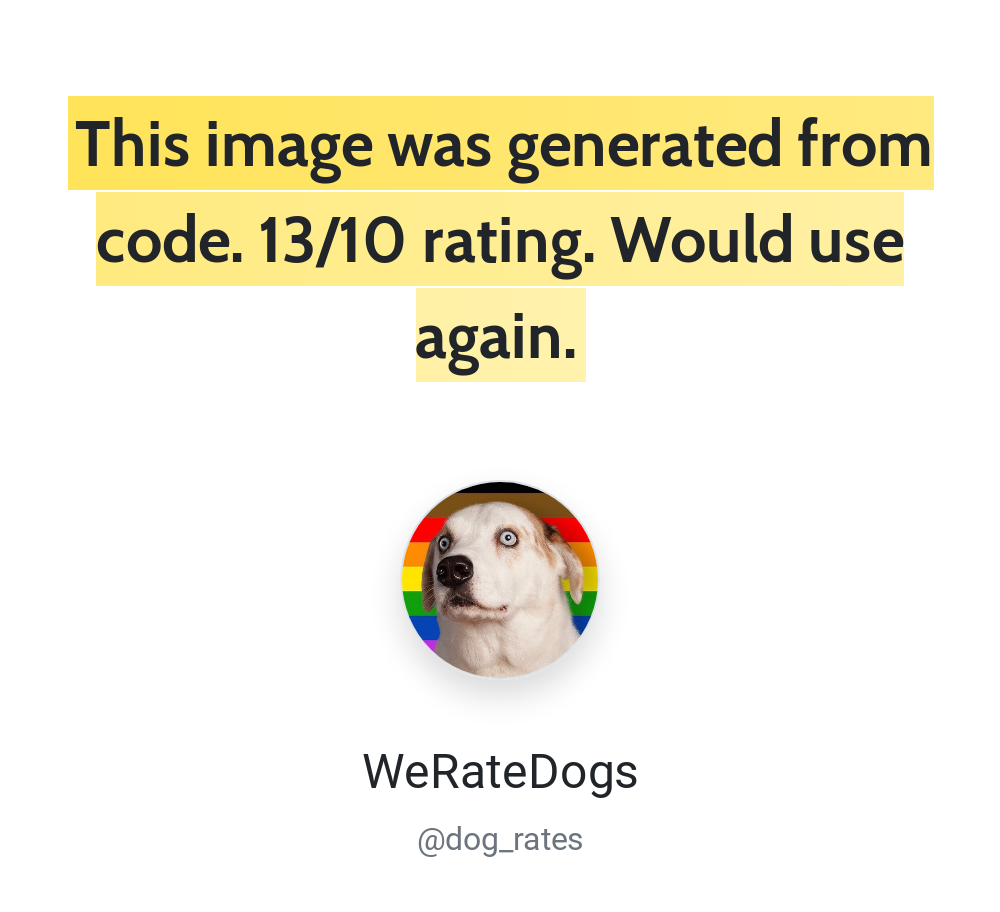
See [Creating an image](/getting-started/using-the-api/#creating-an-image) for request parameters. A response includes the image's `url` and `id`.
## Authentication with Rust
Use HTTP Basic authentication with your API ID as the username and API key as the password. Find both in the [dashboard](https://htmlcsstoimage.com/dashboard). Keep credentials in server-side configuration or environment variables.
## Rust example code
The example sends a POST request to `https://hcti.io/v1/image`. Image creation requires `images:create`. See [authentication and API keys](/getting-started/using-the-api/api-keys/) for scoped credentials and access errors.
Rust’s standard library does not include an HTTP client. This example uses [`reqwest`](https://docs.rs/reqwest/) for HTTP and [`serde_json`](https://docs.rs/serde_json/) to build the JSON request body.
Add the dependencies to your `Cargo.toml`:
```toml
[dependencies]
reqwest = { version = "0.12", features = ["blocking", "json"] }
serde_json = "1"
```
```rust
use serde_json::json;
use std::error::Error;
fn main() -> Result<(), Box> {
let user_id = "your-user-id";
let api_key = "your-api-key";
let client = reqwest::blocking::Client::new();
let payload = json!({
"html": "Rust ✅
",
"css": ".box { border: 4px solid #03B875; padding: 20px; font-family: Roboto, sans-serif; }",
"google_fonts": "Roboto"
});
let response = client
.post("https://hcti.io/v1/image")
.basic_auth(user_id, Some(api_key))
.json(&payload)
.send()?
.error_for_status()?;
let body = response.text()?;
println!("{body}");
// {"url":"https://hcti.io/v1/image/1113184e-419f-49f1-b231-2069942a186f"}
Ok(())
}
```
## Need help?
Talk to a human. Email [support@htmlcsstoimage.com](mailto:support@htmlcsstoimage.com) and we’ll help you get started.