# Facebook screenshot
Use the HTML/CSS to Image API to autogenerate screenshots from Facebook.
## How it works
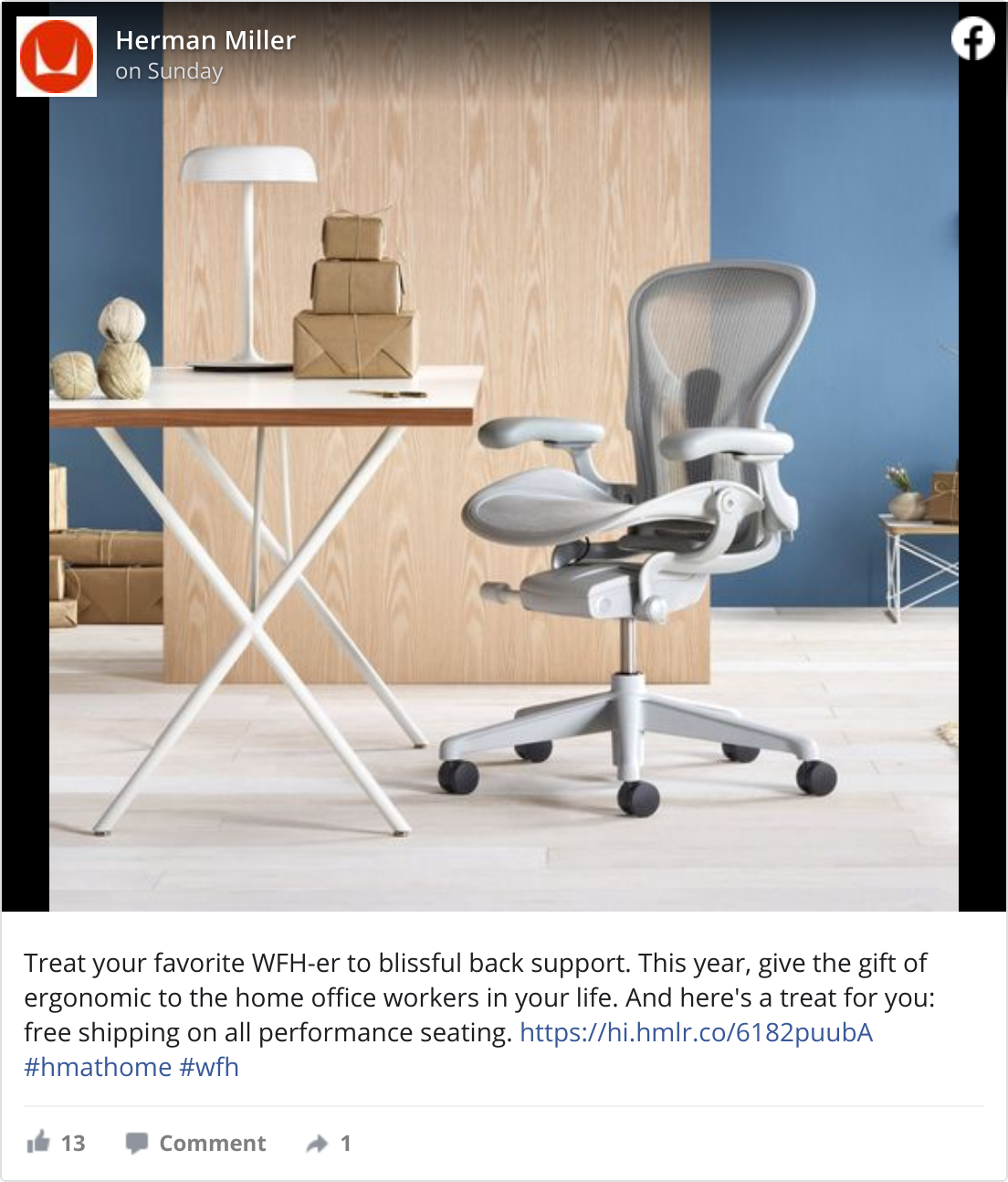
To generate a screenshot of a Facebook post, we can make use of the Facebook embed feature.
Set `selector` to `.fb-post` and start with `ms_delay: 2500`. This gives the embed extra time to load and has the API properly crop the image.
## Example code
Copy this example, and swap out the href to create an image of any Facebook post you’d like.
HTML
```html
```
**Important:** set these parameters when creating the image.
* selector: `.fb-post`
* ms\_delay: `2500`
[Try it yourself](https://htmlcsstoimage.com/examples/facebook-screenshot)
## Need help?
Talk to a human. Email [support@htmlcsstoimage.com](mailto:support@htmlcsstoimage.com) and we’ll help you get started.