# LinkedIn screenshot
Use the HTML/CSS to Image API to generate images from LinkedIn embeds.
## How it works
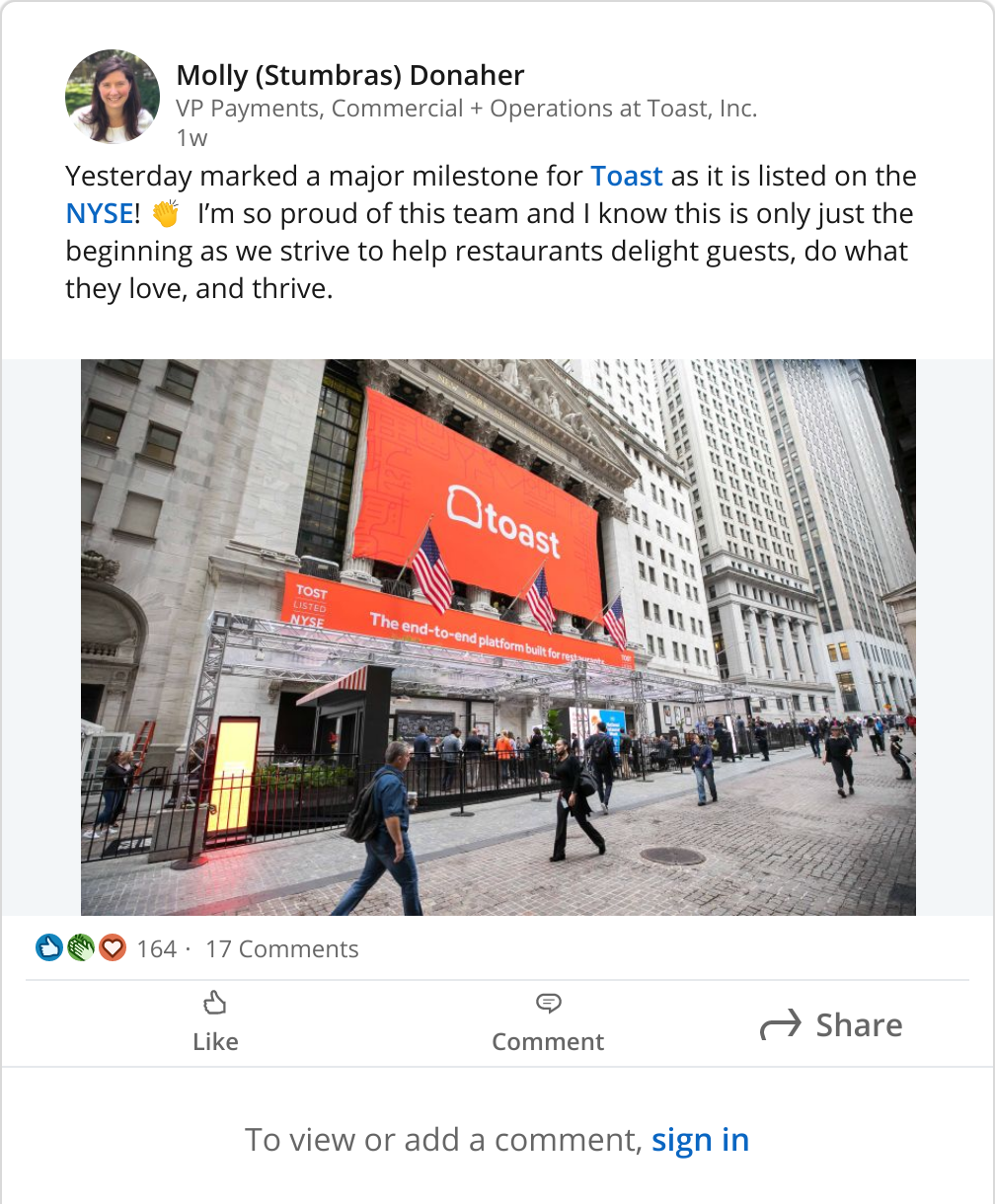
To generate a screenshot of a post on LinkedIn, we can make use of the LinkedIn embed API.
For the image to work, make sure you set the `selector` param to `iframe` and `ms_delay` to `2500`. This gives the embed extra time to load and nicely crops the post.
## Example code
First, you need to grab the LinkedIn embed code. This is available by clicking the 3 dots on the top right of a LinkedIn post and then clicking “embed this post”.
If you’re automating this, notice in the embed code that the ID for the post is in the URL. You can swap that ID out to load a different post.
HTML
```html
```
**Important:** set these parameters when creating the image.
* selector: `iframe`
* ms\_delay: `2500`
[Try it yourself](https://htmlcsstoimage.com)
## Need help?
Talk to a human. Email [support@htmlcsstoimage.com](mailto:support@htmlcsstoimage.com) and we’ll help you get started.