
Java - HTML to Image Example
Generate PNG, JPG, WebP, and PDF output with Java, using HTML/CSS or reusable templates rendered in Google Chrome.
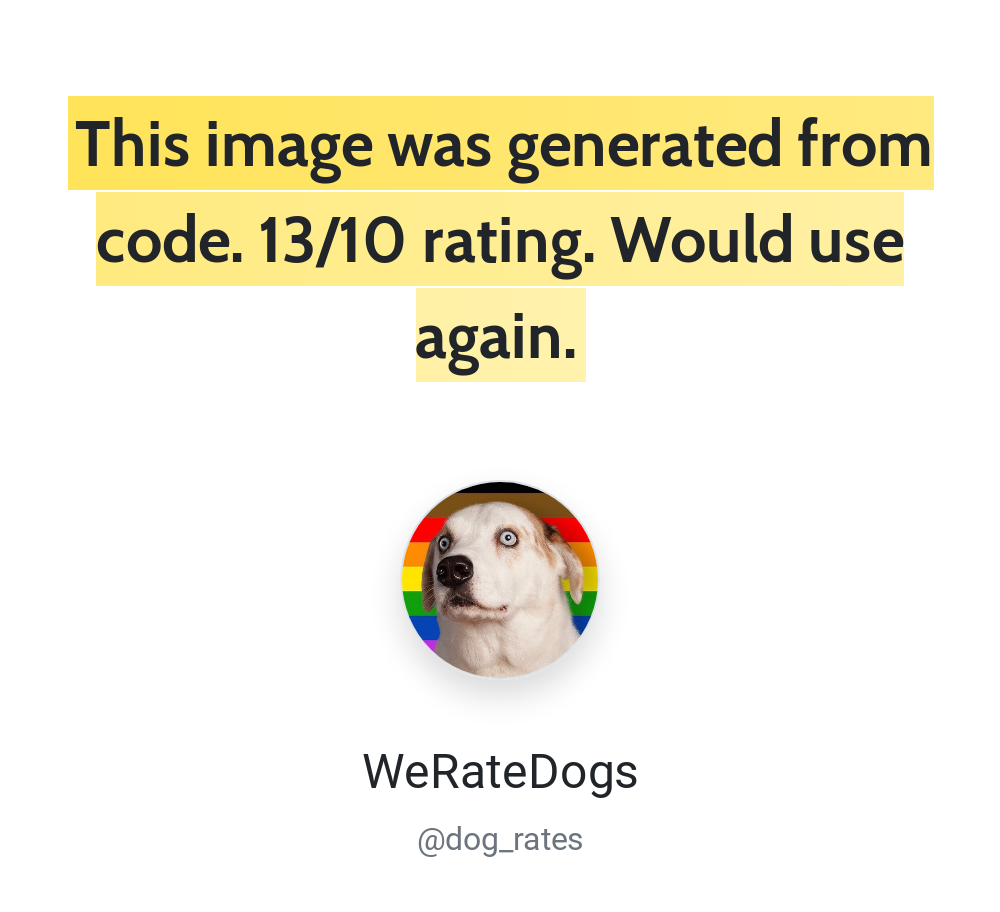
Generating images with Java
- Send your HTML/CSS to the API.
- The API renders it in Google Chrome.
- Read the generated image URL from the JSON response.
See Creating an image for request parameters. A response includes the image's url and id.
Authentication with Java
Use HTTP Basic authentication with your API ID as the username and API key as the password. Find both in the dashboard. Keep credentials in server-side configuration or environment variables.
Java example code
The example sends a POST request to https://hcti.io/v1/image. Image creation requires images:create. See authentication and API keys for scoped credentials and access errors.
Java includes an HTTP client in the standard library, but not a JSON encoder. This example uses the built-in Java 11+ HttpClient with Jackson to encode the JSON request body.
Add Jackson to your project:
<dependency> <groupId>com.fasterxml.jackson.core</groupId> <artifactId>jackson-databind</artifactId> <version>2.17.2</version></dependency>import com.fasterxml.jackson.databind.ObjectMapper;import java.io.IOException;import java.net.URI;import java.net.http.HttpClient;import java.net.http.HttpRequest;import java.net.http.HttpResponse;import java.nio.charset.StandardCharsets;import java.util.Base64;import java.util.Map;
public class HctiExample { private static final String USER_ID = "your-user-id"; private static final String API_KEY = "your-api-key";
public static void main(String[] args) throws IOException, InterruptedException { Map<String, String> payload = Map.of( "html", "<div class='box'>Java ✅</div>", "css", ".box { border: 4px solid #03B875; padding: 20px; font-family: Roboto, sans-serif; }", "google_fonts", "Roboto" ); String body = new ObjectMapper().writeValueAsString(payload);
String auth = Base64.getEncoder().encodeToString( (USER_ID + ":" + API_KEY).getBytes(StandardCharsets.UTF_8) );
HttpRequest request = HttpRequest.newBuilder() .uri(URI.create("https://hcti.io/v1/image")) .header("Authorization", "Basic " + auth) .header("Content-Type", "application/json") .POST(HttpRequest.BodyPublishers.ofString(body)) .build();
HttpClient client = HttpClient.newHttpClient(); HttpResponse<String> response = client.send(request, HttpResponse.BodyHandlers.ofString());
if (response.statusCode() < 200 || response.statusCode() >= 300) { throw new RuntimeException("Request failed: " + response.statusCode() + " " + response.body()); }
System.out.println(response.body()); // {"url":"https://hcti.io/v1/image/1113184e-419f-49f1-b231-2069942a186f"} }}Need help?
Talk to a human. Email support@htmlcsstoimage.com and we’ll help you get started.